Automated media reporting can save teams hours of manual work. However, even the right media data becomes difficult to use when every report has to follow strict brand guidelines.
One large consumer brand faced exactly this problem.
Every month, its communications team created reports for different audiences. Leadership needed one version. Dealers needed another. Regional teams needed their own view.
Still, every report had to follow one rule:
It had to look like the brand.
Fonts. Colours. Tone. Layout. Structure.
The reporting platform could provide the data.
It could not provide the finished report in the brand’s format.
So the team exported the information and rebuilt the deck by hand.
Again.
Then again.
Every single month.
The reporting problem was not the data
The brand already had access to the media information it needed.
Instead, the problem started after the data was collected.
Every report had to follow the same standards used across the organisation. Typography, colour, tone, and layout all followed clear brand guidelines.
As a result, reports for leadership, dealers, and regional teams could not simply use the platform’s standard template.
They had to look like they came from the brand itself.
So the team rebuilt every report manually
As a result, the workflow became repetitive.
First, the team collected the media data.
Next, it exported the information.
After that, someone rebuilt the report in the approved format.
Finally, the deck was checked against the brand guidelines.
Then the same process started again the next month.
The problem was simple: media platforms often provide their template, not yours.
That meant analysts were spending real time on formatting.
Not interpreting coverage.
Not spotting important stories.
Not understanding what had changed.
Just formatting.
Why another report template would not solve it
A better template may sound like the obvious answer.
However, that would only solve part of the problem.
A fixed template still needs to know:
- Which information belongs where
- How the brand writes
- Which visual rules matter
- What changes between audiences
- How the latest media information should appear
So the team needed more than another generic template.
It needed to connect two things:
The rules of the brand.
and
The latest media information.
That changed the approach completely.
The team gave an AI assistant the brand guidelines
Instead of forcing the reporting platform to recreate the brand’s design system, the team moved that logic into its AI workspace.
First, the brand guidelines were added there.
Now the assistant could understand:
- Typography
- Colours
- Tone
- Layout
- Report structure
The brand rules were now available inside the same workspace where the team could ask for a report.
However, one important piece was still missing.
The assistant also needed access to current media data.
Ask Wizikey MCP brought in the latest media data
That is where Ask Wizikey MCP entered the workflow.
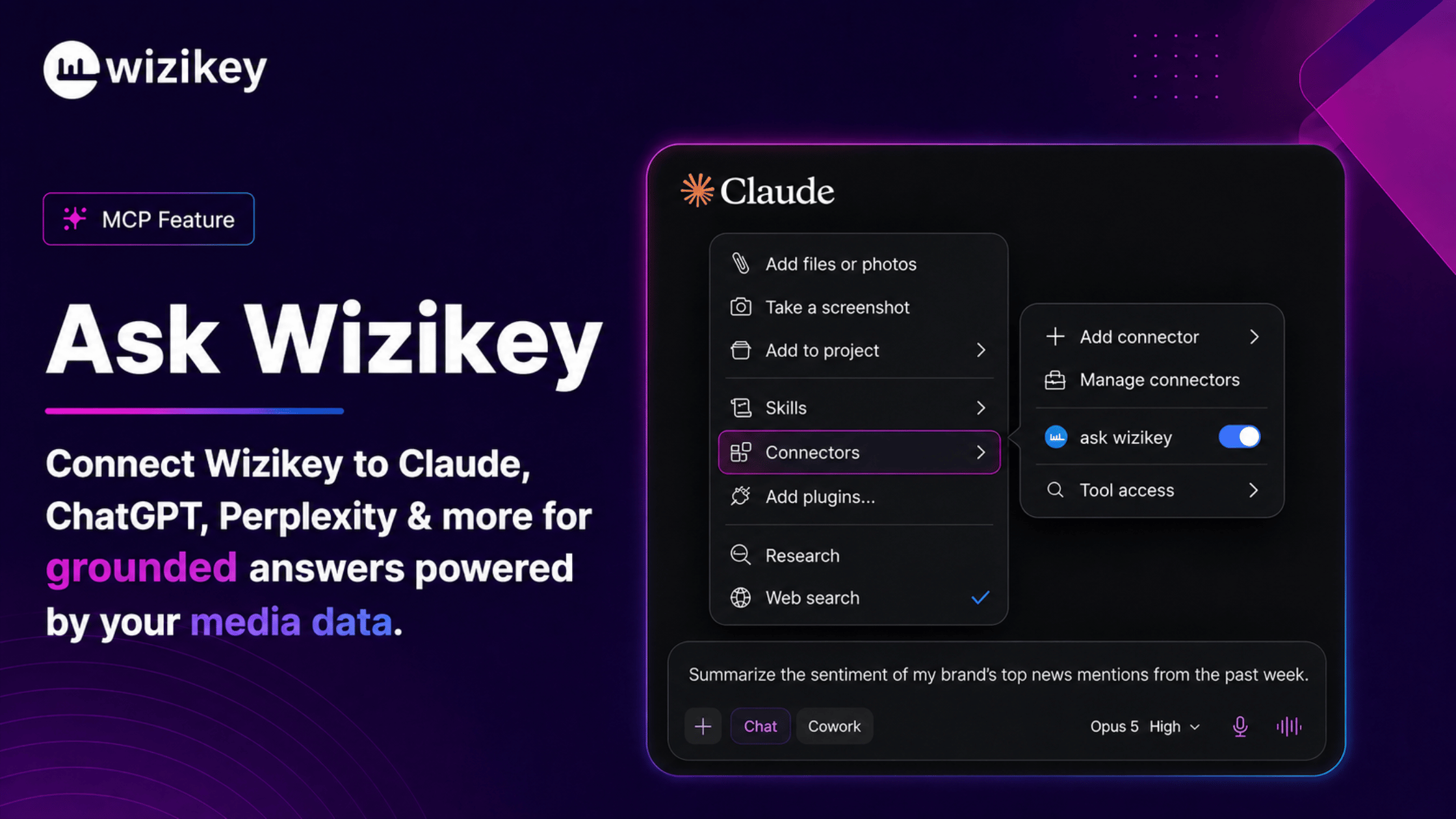
The brand connected its Wizikey coverage data to the AI workspace through Wizikey’s MCP server.
As a result, the assistant now had both parts of the problem.
It knew how the report should look.
At the same time, it had access to the media information the report should contain.
Together, this meant the assistant could work with:
Brand guidelines + live media data.
The result was simple. The assistant could use current media data while also following the brand’s voice, structure, and visual style.
How automated media reporting changed the workflow
Before, the process looked like this:
Export the data → rebuild the report → check the brand book → repeat next month.
After the new setup:
Ask for the report → receive an on-brand report built from current coverage.
In other words, the workflow changed from rebuilding to asking.
The team no longer had to treat reporting as a production task every month.
Instead, it could simply ask for what it needed.
The new workflow was much simpler:
Ask for the report. It arrives on brand, built from live coverage, ready to send.
What does the AI assistant know now?
The assistant effectively knows three things.
What happened
It can work with the latest media coverage and reporting data available through Wizikey.
What matters
It can organise information into the themes, stories, and reporting structure the team needs.
How it should look
Because the brand guidelines are already available, the output can follow the organisation’s reporting style.
As a result, the team does not need to rebuild the deck afterward.
It simply asks for the report.
What automated media reporting changed for the communications team
The biggest benefit of automated media reporting was not a new dashboard.
It was the removal of an old manual process.
The setup changed four things:
- Reports could be created without a manual formatting cycle
- Brand guidelines could be followed by default
- Analysts could spend more time interpreting coverage
- New report formats could be requested directly through the AI workspace
More importantly, changing the report no longer meant creating another template from scratch.
Instead, the team could simply change what it asked for.
The report format no longer belongs to the platform
This is the larger lesson.
For years, reporting software has largely decided what reports look like.
A team selects a template.
Then the platform decides the structure.
After that, the organisation adapts to the software.
AI creates another option.
A company can keep its own guidelines, structure, and working style.
Meanwhile, the media intelligence platform can provide the information underneath.
An AI assistant can then bring both together.
As a result, teams can create reports that feel like they came from their own brand studio rather than from a standard software template.
This is where Ask Wizikey MCP becomes useful
Ask Wizikey MCP is not only about asking questions about media coverage.
It can also help teams use media information inside their existing workflows.
In this case, Wizikey did not need to control the final report design.
The brand already knew exactly how its reports should look.
Wizikey’s role was different:
Provide the current media intelligence the AI assistant needed to create the report.
That made the workflow much simpler.
The brand controlled the output.
Meanwhile, the AI assistant followed the guidelines.
Wizikey supplied the media data underneath.
As a result, the communications team no longer had to rebuild the same report every month.
The takeaway
The team did not have a data problem.
It had a workflow problem.
Its reporting system had the information.
Its brand guidelines had the design rules.
However, those two things were not connected.
Once they were, the manual formatting cycle disappeared.
Instead of:
Export. Rebuild. Review. Repeat.
The workflow became:
Ask for the report.
Ultimately, that is the real value of automated media reporting.
Your media data does not have to decide what your report looks like.
Your team can keep its own brand guidelines, AI workspace, and way of working.
Wizikey can supply the media intelligence underneath.